In this post, we will see 40 useful benefits of Telegram.
Let’s see,
Here are some of its key advantages:
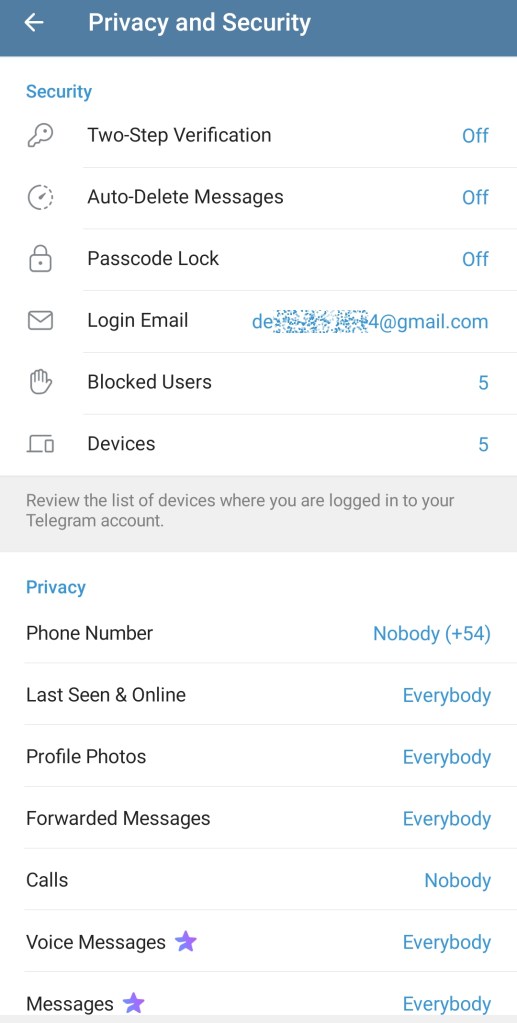
1. Strong Privacy and Security
End-to-end encryption (for Secret Chats).
Self-destructing messages.
2. Cloud-Based Messaging
Access messages from multiple devices simultaneously (phone, tablet, PC).
Messages are stored in the cloud, so you don’t lose them even if you switch devices.

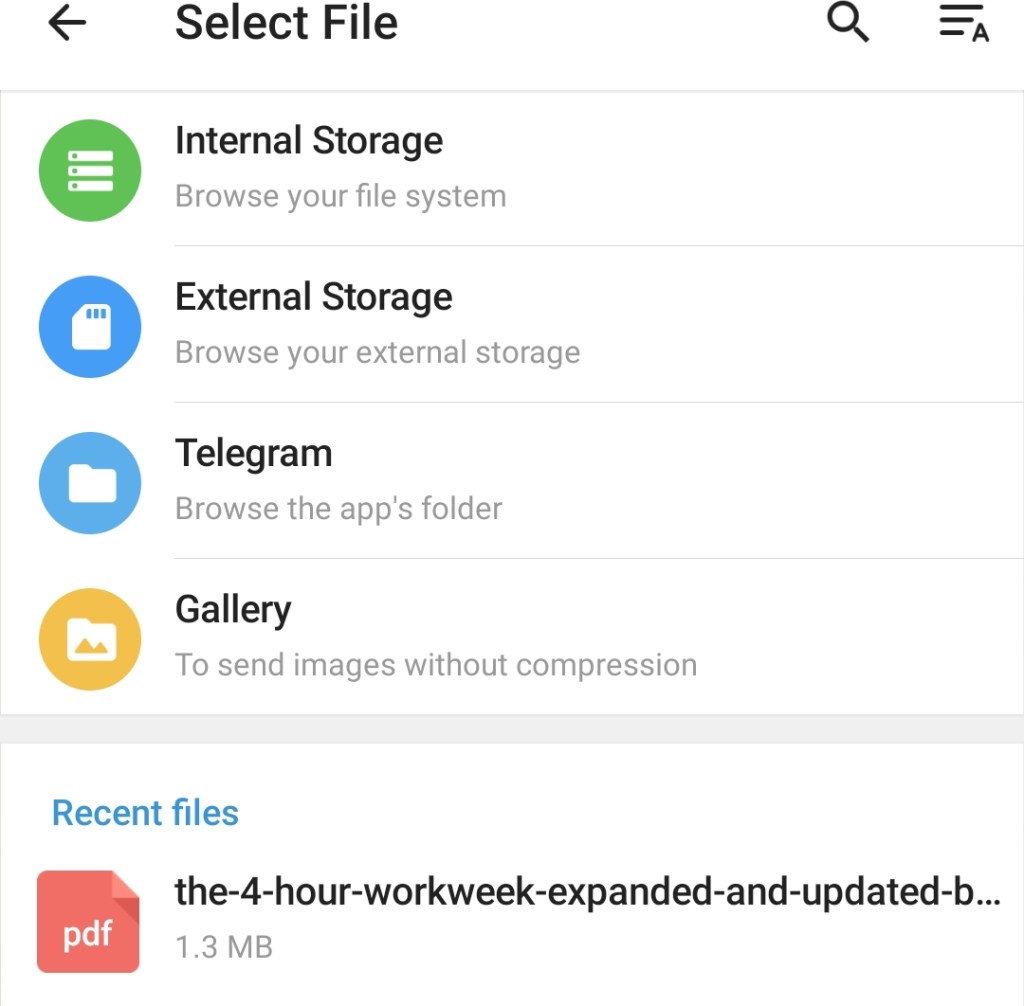
3. Large File Sharing
Send files up to 2 GB per file.
Supports all file types: documents, music, videos, etc.
4. Large Groups and Channels
Groups: Up to 200,000 members.Channels:
Unlimited subscribers — ideal for broadcasting content to a wide audience.
Useful for communities, businesses, news, and education.

5. Customization and Bots
Wide range of chatbots for automation, productivity, games, and more.
Custom themes, stickers, and animated emojis.
Polls, quizzes, and other interactive features.
6. Speed and Performance
Telegram is lightweight and fast, even on slower internet connections.
7. Cross-Platform and Open API
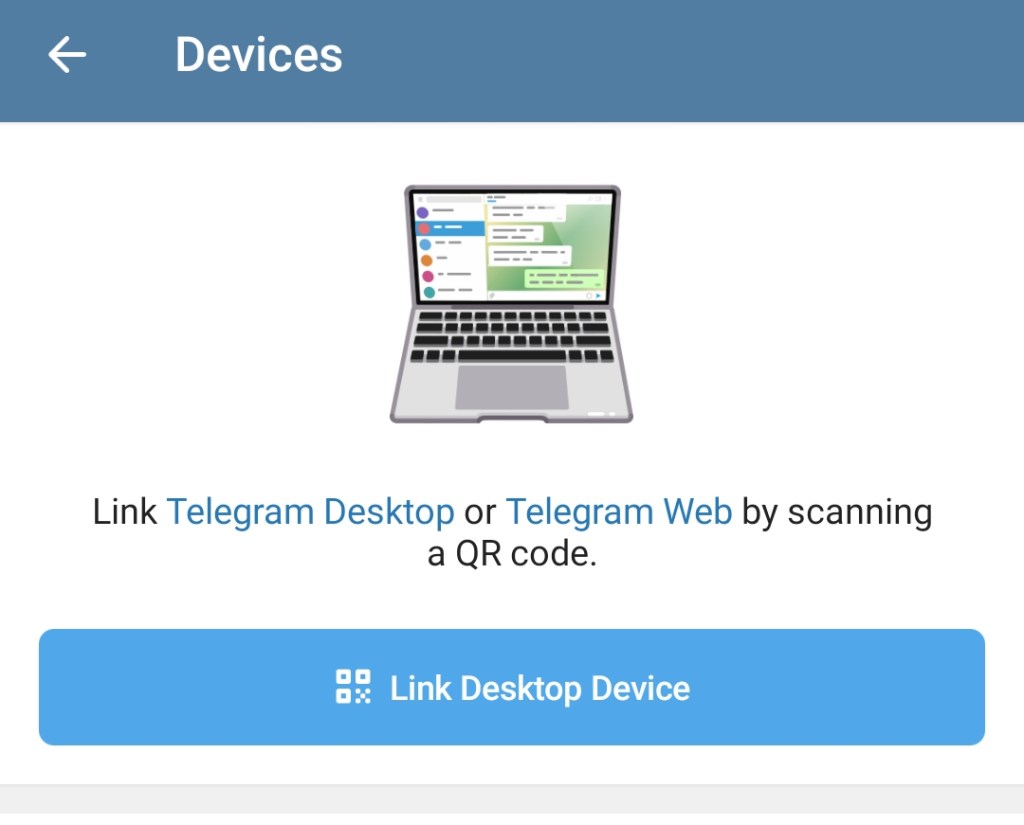
Available on Android, iOS, Windows, macOS, Linux, and Web.
Developers can build custom tools and integrations using Telegram’s open API.
8. No Ads (As of Now)
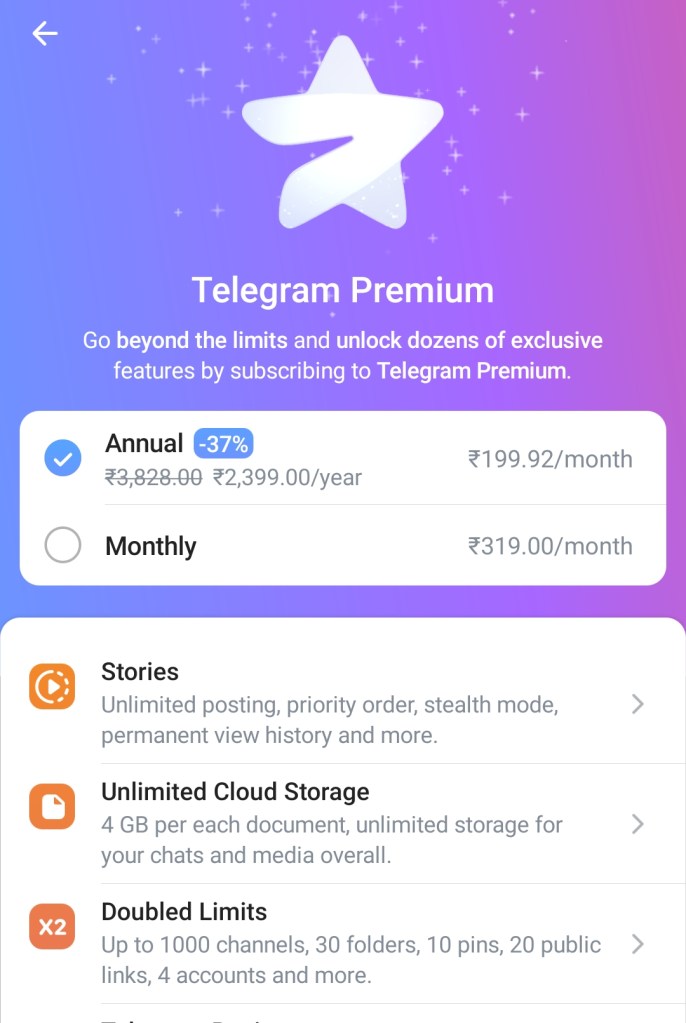
The core app is ad-free, with optional paid features (Telegram Premium) that enhance the experience without compromising privacy.
9. Telegram Premium (Optional)
For a small fee, users get features like:Faster download speeds4 GB file uploads
Transcription of voice messages
Premium stickers and reactions
Read Also:
40 Powerful benefits of Gmail for student
Now let’s see:
More advantages and unique benefits of Telegram:
Telegram can also benefits students very much.
10. Unlimited Cloud Storage
Telegram stores all your messages, media, and files in the cloud indefinitely — no need to back up.
You can clear local storage and still access everything later.
11. Saved Messages (Personal Cloud)
A built-in private chat with yourself to save notes, links, files, etc.
Acts like a personal digital notebook or storage space.

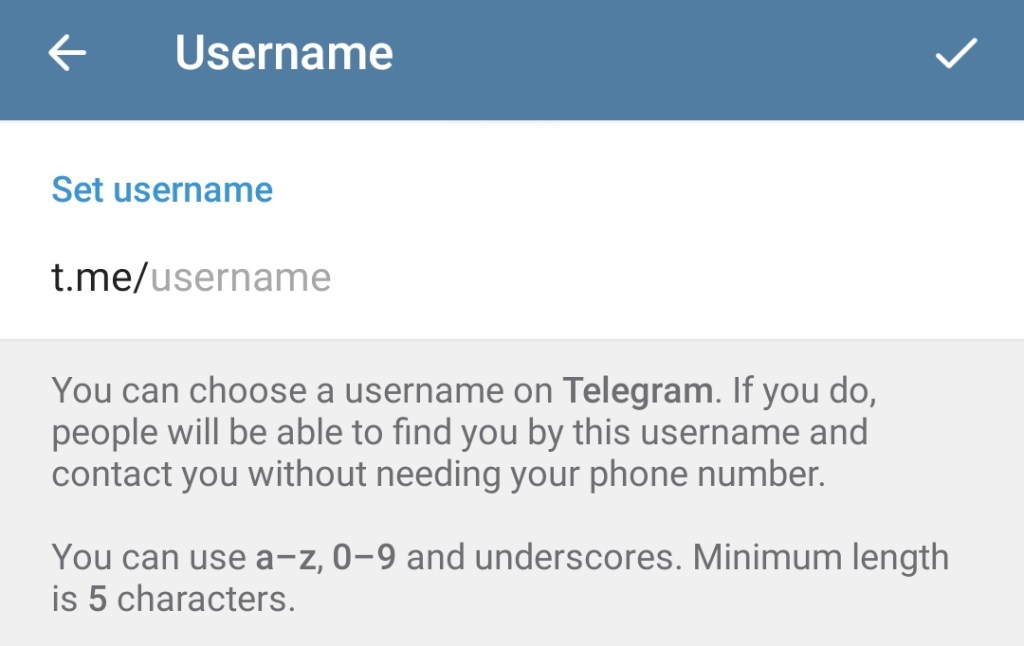
12. Username System
Users can connect via @usernames without sharing phone numbers.
Enhances privacy and discoverability.
13. Secret Chats (True End-to-End Encryption)
Messages are encrypted and can’t be forwarded or screenshotted (on Android).Ideal for confidential conversations.
14. Animated Stickers and Emoji
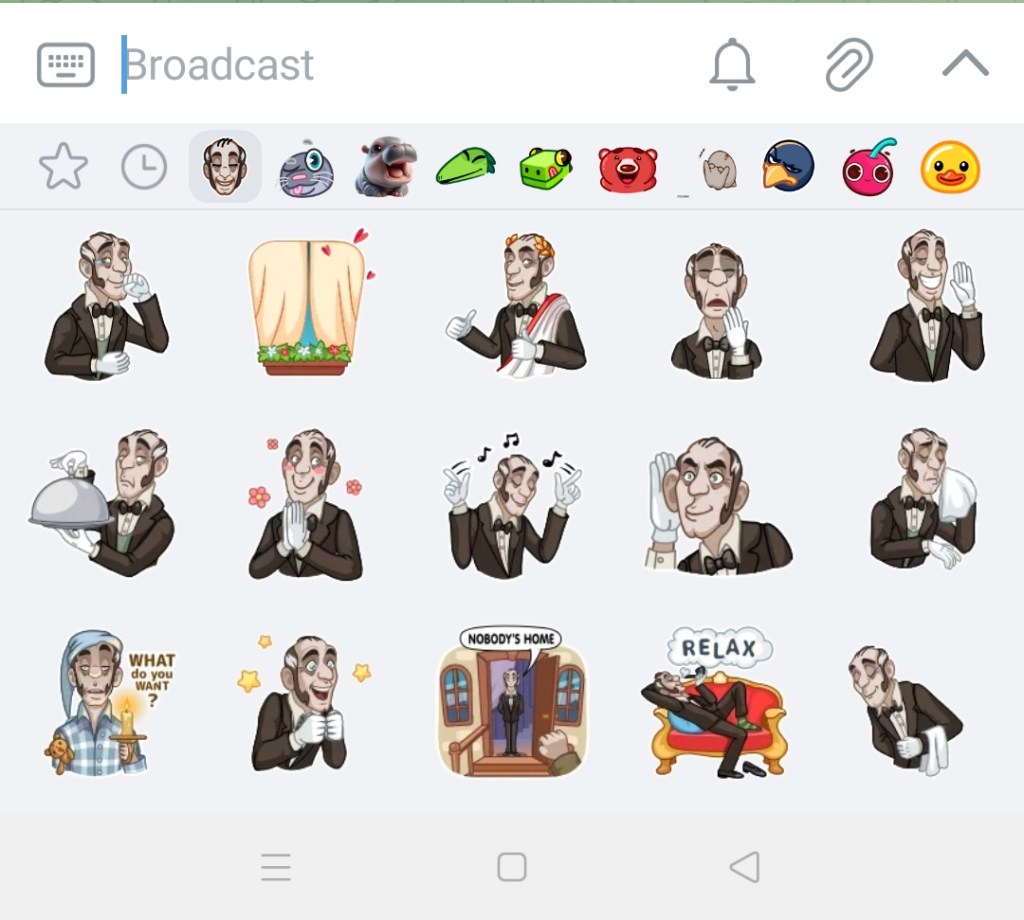
Telegram supports high-quality animated stickers and custom emoji.
Creators can even build and publish their own sticker packs.
15. Instant View
Read articles from links (like news) in a clean, fast-loading format without ads — similar to AMP or Reader Mode.
16. Developer Tools and Bots
Build custom bots that do everything from managing groups to processing payments.
Telegram bots support inline search, games, AI tools, and more.
Also for reading:
40 Benefits of Telegram channel
17. Advanced Group Management
Admin tools include anti-spam, approval systems, slow mode, custom permissions, and anonymous admins.
Supports topics for structured group chats.
18. Live Streams and Video Chats
Host live video chats with thousands of viewers — great for communities and businesses.
Supports screen sharing and recording features.
19. Mini Apps & Web Apps
Telegram allows developers to build mini web apps that run inside Telegram (like games, tools, etc.).
Example: You can shop or play a game inside the app.

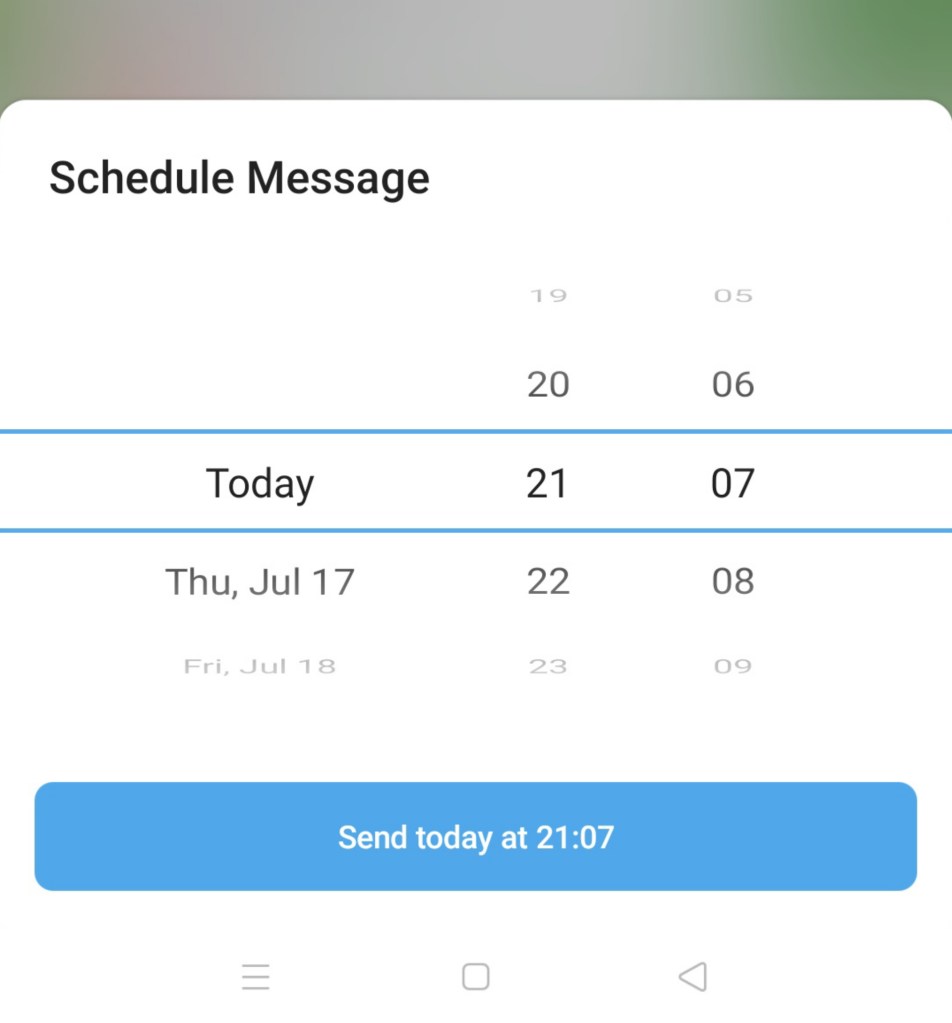
20. Scheduled and Silent Messages
Send messages at a specific time or without sound (great for late-night or international messages).
21. Rich Formatting and Markdown Support
Format messages with bold, italic, code blocks, spoilers, etc.
Great for technical users, teachers, and communities.
22. Polls and Quizzes
Even more powerful benefits of Telegram:
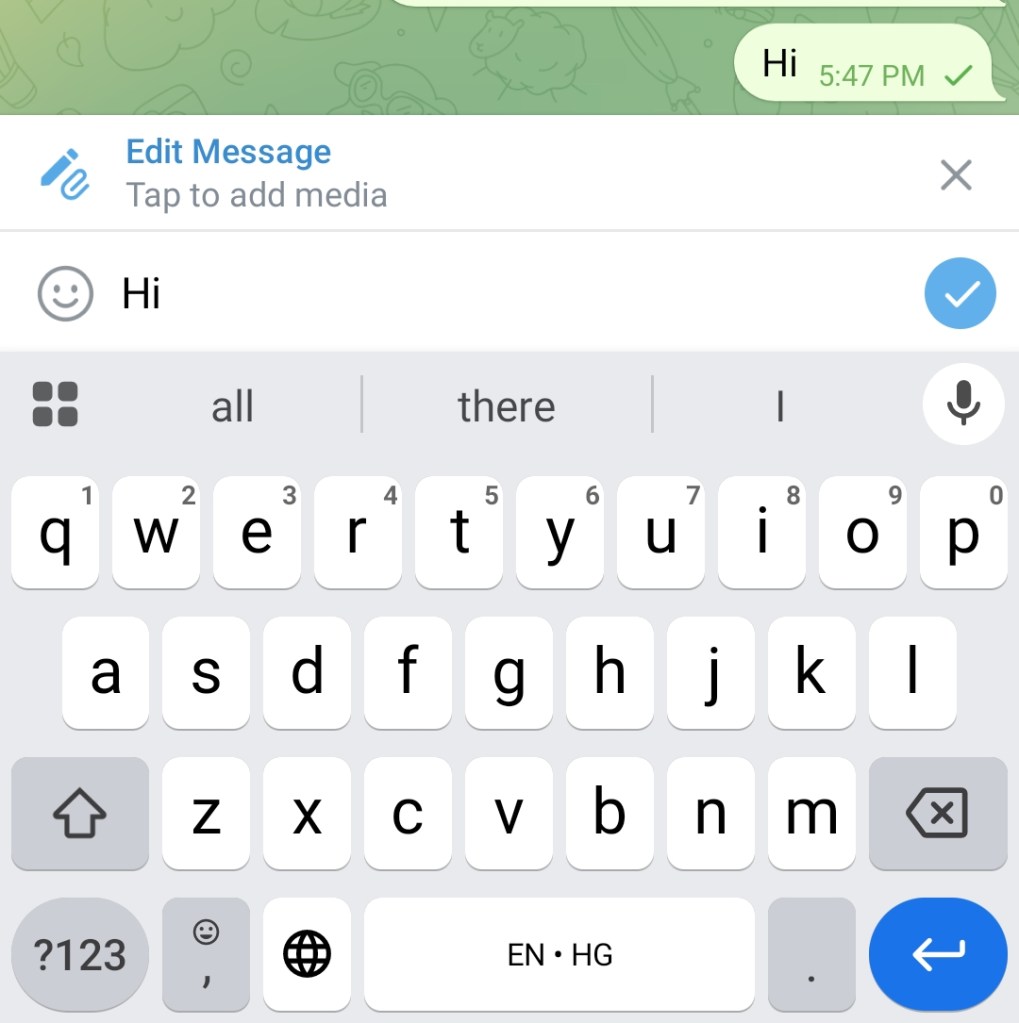
23. Message Editing and Deletion (for Everyone)
Edit messages after sending (no time limit).
Delete any message from both sides — no trace left.
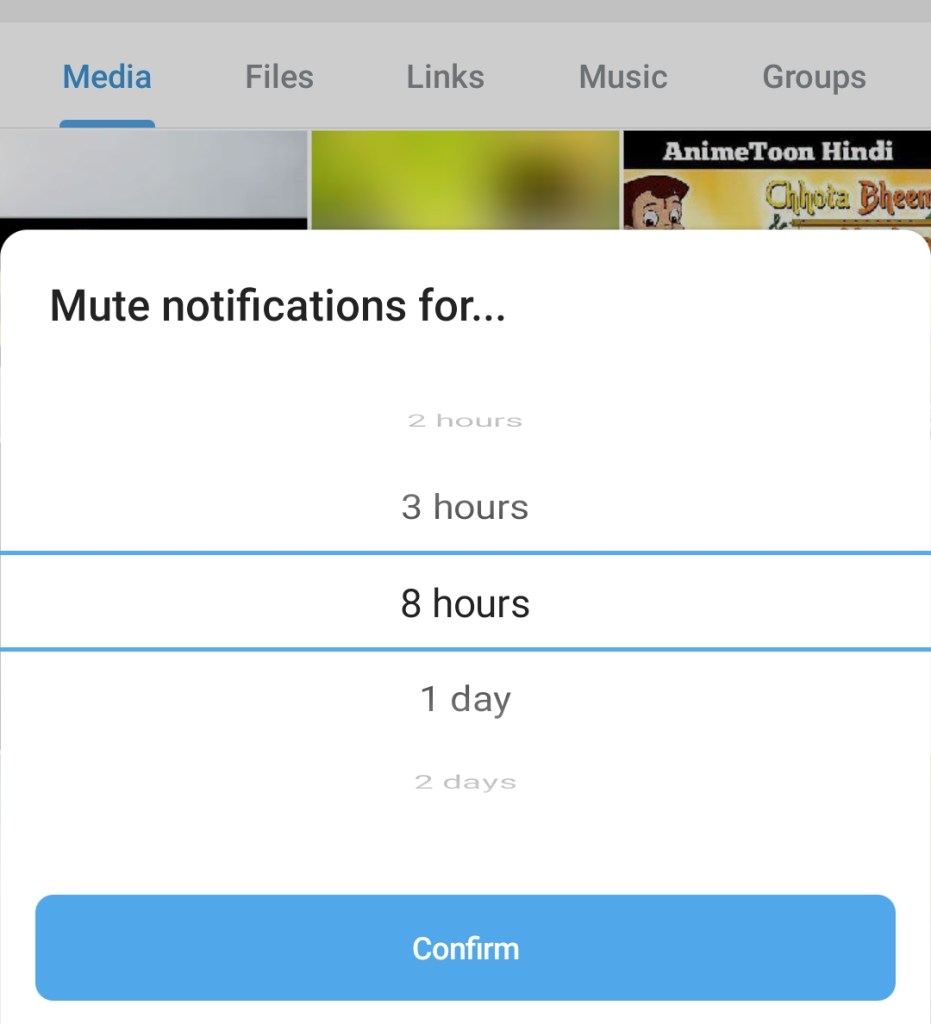
24. Smart Notifications and Mute Controls
Mute chats for 1 hour, 8 hours, 2 days, or forever.
Set custom notification tones and rules for each chat.
25. Anonymous Posting in Groups
Group admins can post as the group or a channel identity, instead of using their personal account.
Useful for brand or organizational anonymity.
26. Folders and Chat Organization
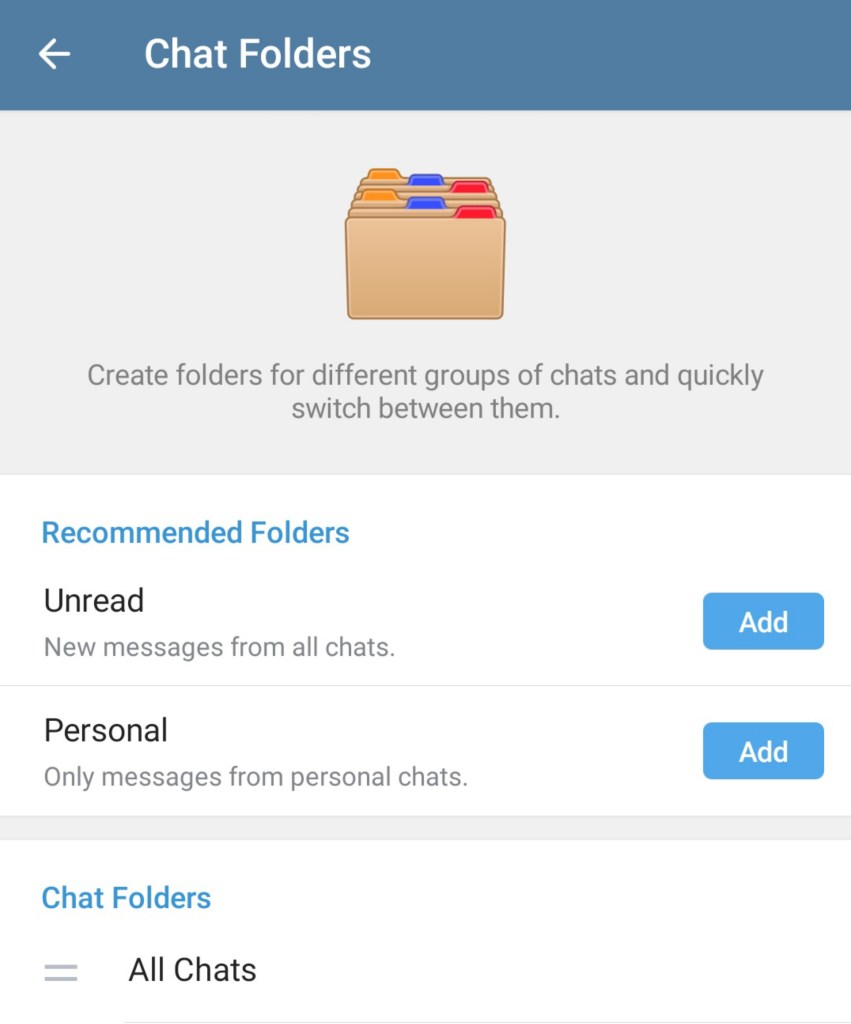
Create chat folders (e.g., Work, Family, News).
Helps keep chats clean and organized — especially with many groups and channels.
27. Proxy and VPN Support
Built-in support for MTProto proxies.
Allows access in countries where Telegram is restricted (e.g., Iran).
28. View Counters on Channel Posts
See how many people viewed a message — even if they aren’t subscribers.

Great for analytics and audience reach.
29. No Compression on Media (Optional)
Choose to send photos and videos in full resolution (without compression).
Ideal for photographers, designers, and professionals.
30. Open Source and Transparent
Telegram’s apps are open-source, so developers and privacy advocates can audit them.
Ensures transparency and trust.
31. Draft Syncing Across Devices
Type a message on one device, and it’s instantly synced on others.
Pick up right where you left off.
32. Scheduled Posts in Channels
You can schedule channel posts ahead of time — perfect for marketing, events, or news updates.
33. Join Requests for Groups/Channels
Groups and channels can have “Join Request” approval, allowing private moderation.
Prevents spam or unwanted members.
34. Auto-Delete Timers (Global or Per Chat)
Set a timer to auto-delete messages after a specific duration (from 1 day to 1 month).
Helps maintain privacy and reduce clutter.
35. Multiple Language Support + Translation
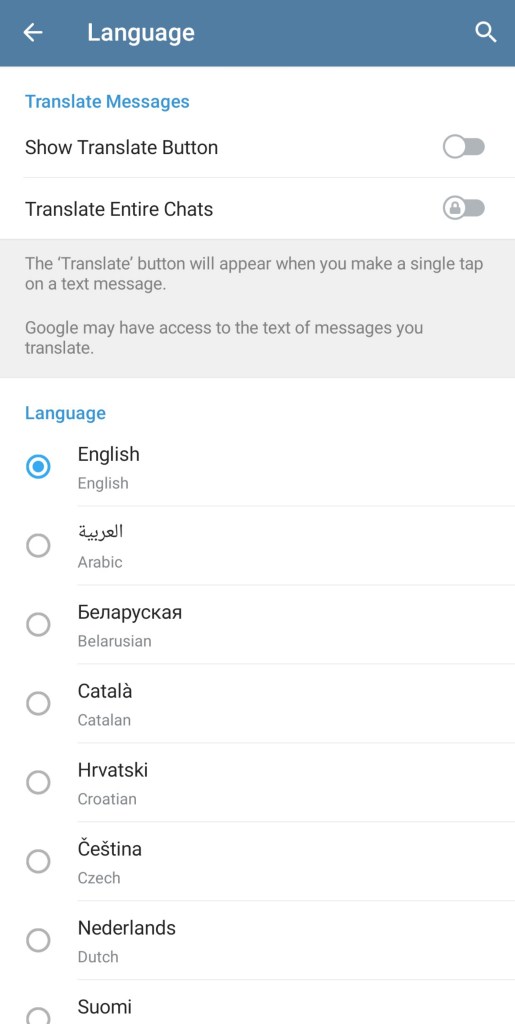
Telegram supports over 20 languages and allows instant message translation (with Telegram Premium).
Great for international communities.
Also read:
How to find lots of information about any topic?
36. Media Albums and Captions
Send multiple images or videos as a single album with one caption.
Makes sharing organized and clean.
37. Nearby People & Groups
Use “People Nearby” to discover local users or public groups based on your location.
38. Granular Privacy Settings
Control who can:
- See your phone number
- Add you to groups
- See your last seen, profile photo, and more
39. Multi-Account Support
Use multiple phone numbers/accounts on the same app — switch between them easily.
40. Powerful Global Search
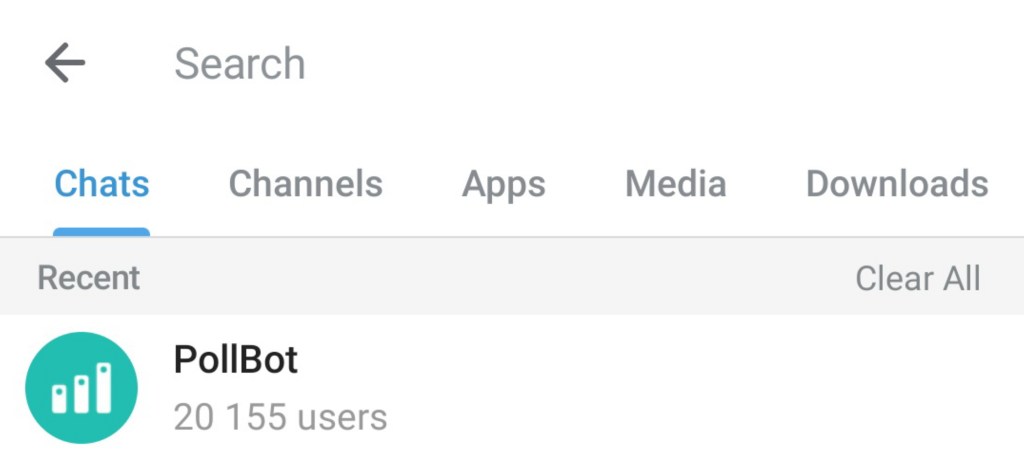
Search through all your chats, messages, media, and even public channels or bot content globally.
Conclusion
Telegram is more than just a messaging app — it’s a platform for communication, collaboration, content creation, and automation.
As we have seen benefits of Telegram, Hope you like this article.
 FreeMur